
Fixing the Wide Angle Camera Problem
Table of Contents
Setting up in SSB 201 Cleanroom
- Fixing the Wide Angle Camera Problem
Installing on the Spacecraft
The Problem
At about 7:00 PM MST on Friday, 1 December, we began imaging tests of the MOC 2. By 7:10 PM, we had encountered an anomaly with the Red WA camera--odd pixels appeared dead while even pixels appeared to be normally active (both dark current and photoactive). By 7:20 PM, after trying the Blue WA and getting normal response, and taking additional Red WA images with the same morphology, we knew we had a problem. After characterizing the problem, we continued the "aliveness" imaging tests with the remaining cameras, using both half systems. Much of the rest of the evening was spent trying to figure out what was wrong with the Red WA.
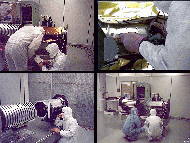 Looking for The
Problem
JPG = 163 KBytes
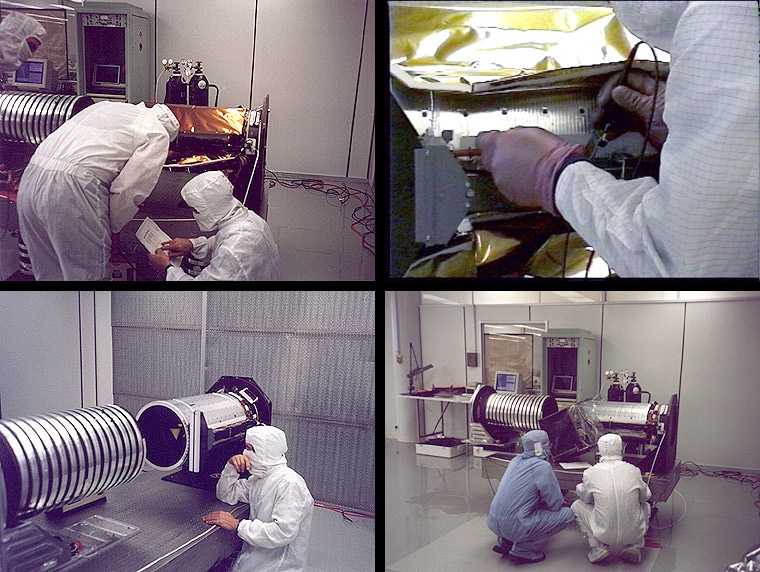
GIF = 354 KBytes
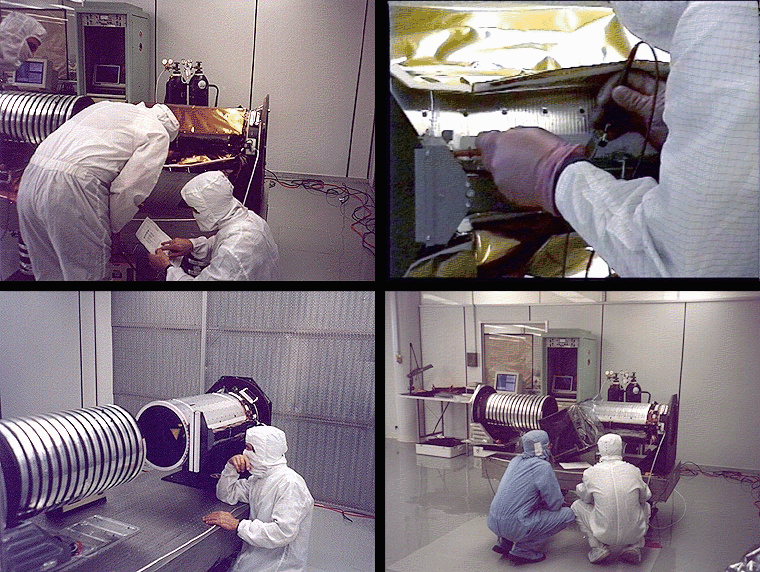
Caption: Looking for the Problem with the MOC 2 Red WA camera.
Upper Right: Probing the between various leads and grounds.
Lower Left: Steve discussing the problem with MOC.
Lower Right: Steve discussing the problem with QA.
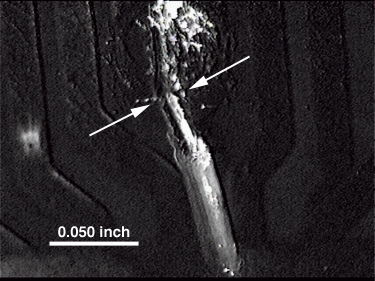
Jose returned Sunday afternoon with a full kit of equipment, including a MOC oscilloscope. Early Monday morning (December 4), while getting ready to test with the equipment from Caltech, and preparing to demate the Red WA FPA, the source of the problem was discovered.
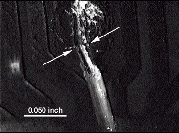 The
Problem
JPG = 58 KBytes
GIF = 78 KBytes
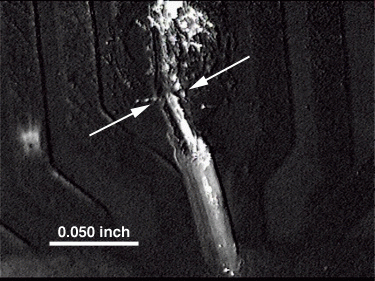
Caption: The Problem.
 Implementing
the Fix
JPG = 149 KBytes
GIF = 297 KBytes
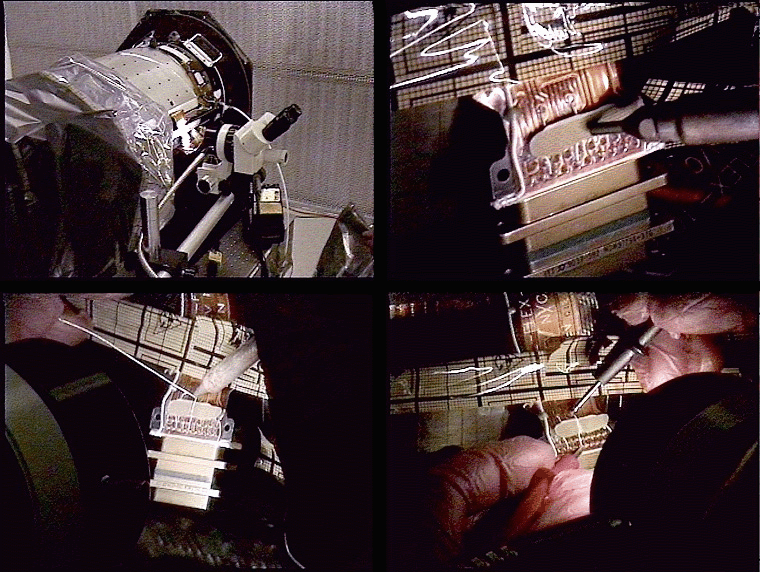
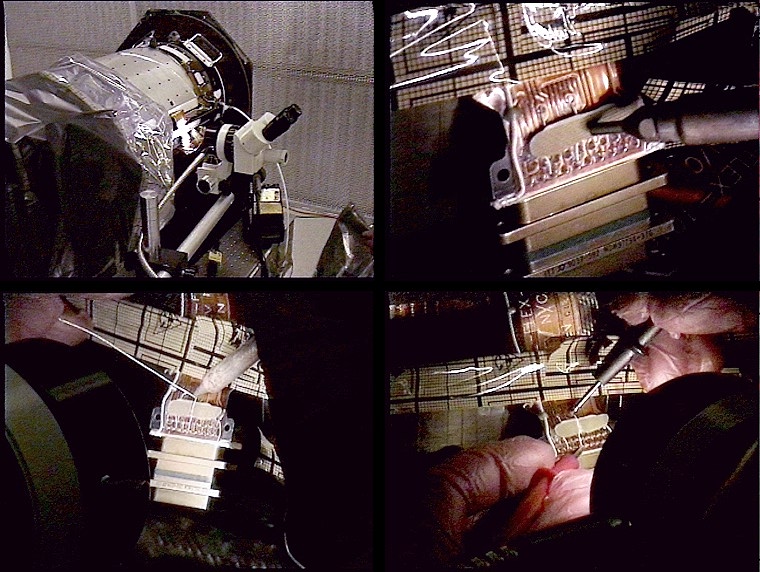
Caption: Implementing the Fix.
Upper Right: Closeup view of connector (center bottom) and flex cable (middle) held in place by antistatic tape (shiny grid pattern at top). Jose is using a tool to attach a small piece of insulating material over the area to be worked on, to provide protection for the rest of the cable and connections, and to act as a "work bench" for the mechanical shaping of the wire and the soldering.
Lower Left: Soldering the new wire into place.
Lower Right: Checking the electrical connectivity of the new wire.
Forward to Installing on the Spacecraft
Back to Setting up in SSB 201 Cleanroom